
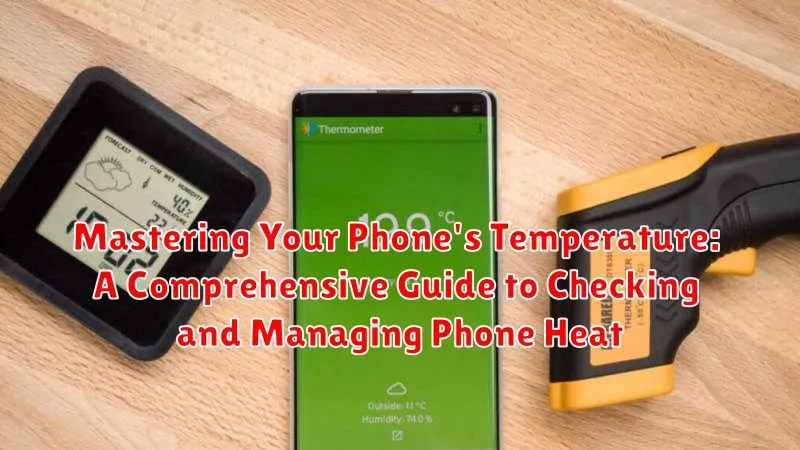
Is your phone constantly overheating? Do you worry about the damaging effects of excessive heat on your phone’s battery and performance? In this comprehensive guide, we delve into the intricacies of phone temperature management. We explore the various factors that contribute to overheating, offer practical tips on how to check your phone’s temperature accurately, and provide effective strategies to manage and reduce excessive heat. Learn how to prevent thermal throttling, extend your battery life, and ensure the longevity of your device by mastering the art of phone temperature control. Understanding your phone’s thermal behavior is crucial for optimal performance and a smooth user experience.
This guide provides a clear and concise approach to tackling phone overheating issues. From identifying common culprits like demanding apps and ambient temperature to implementing simple solutions such as adjusting settings and utilizing cooling accessories, we equip you with the knowledge and tools necessary to maintain a healthy phone temperature. We will discuss the importance of regularly checking your phone’s temperature, understanding the warning signs of overheating, and implementing preventative measures to avoid potential damage. Mastering these techniques will ensure your phone runs smoothly and efficiently, protecting it from the detrimental effects of excessive heat.
Understanding Phone Temperature: What’s Normal and What’s Not
Just like any electronic device, your phone generates heat during operation. A slightly warm phone is generally considered normal, especially during tasks like gaming, streaming, or using GPS. However, excessive heat can indicate a problem and potentially damage the device.
A normal operating temperature for a smartphone typically falls between 68°F and 86°F (20°C and 30°C). Temperatures exceeding this range, particularly above 95°F (35°C), are considered too hot and warrant attention.
Various factors influence a phone’s temperature, including ambient temperature, case material, and usage intensity. Understanding your phone’s typical operating temperature under various conditions can help you identify when something is amiss.
Common Causes of Phone Overheating and How to Avoid Them
Several factors can contribute to a phone exceeding its normal operating temperature. Identifying these causes is crucial for preventing overheating and maintaining optimal device performance.
Intensive Applications: Demanding games, video editing software, and streaming apps push the processor and graphics unit, generating significant heat. Limit extended use of such applications or reduce the graphics settings within the app.
Environmental Factors: Direct sunlight and hot environments can elevate phone temperature. Avoid leaving your device in direct sunlight or hot cars. Using the phone in cooler environments can help prevent overheating.
Malfunctioning Battery: A failing battery can generate excessive heat. Have your battery checked and replaced by a qualified technician if necessary.
Background Processes: Numerous apps running in the background consume resources and contribute to heat buildup. Regularly close unused apps.
Charging Habits: Using the phone intensively while charging or using non-certified chargers can also lead to overheating. Let your phone cool down before charging and always use the manufacturer-recommended charger.
Built-in Features for Monitoring Phone Temperature
While not all phones offer direct temperature readings, many modern devices incorporate temperature monitoring into their system operations. These features work behind the scenes to protect the phone from overheating damage. Instead of displaying the exact temperature, these built-in systems trigger actions when the phone gets too hot.
Performance Throttling: One common built-in feature is performance throttling. When the system detects excessive heat, it automatically reduces the processing speed and screen brightness. This helps to cool down the phone by decreasing the workload and energy consumption. You might notice slight lags or dimming as a result of this process. This is a normal protective measure and generally resolves itself once the temperature returns to a safe range.
Charging Restrictions: Some phones also limit charging speeds or stop charging altogether if the temperature gets too high during charging. This is a crucial safety feature to prevent potential damage to the battery from overheating. The phone will typically resume normal charging once it has cooled down sufficiently.
System Warnings: In extreme cases, the phone may display an overheat warning message, indicating that it needs to cool down. This warning should be taken seriously, and you should follow the recommended steps, which may include powering down the device temporarily.
Using Third-Party Apps to Check Phone Temperature
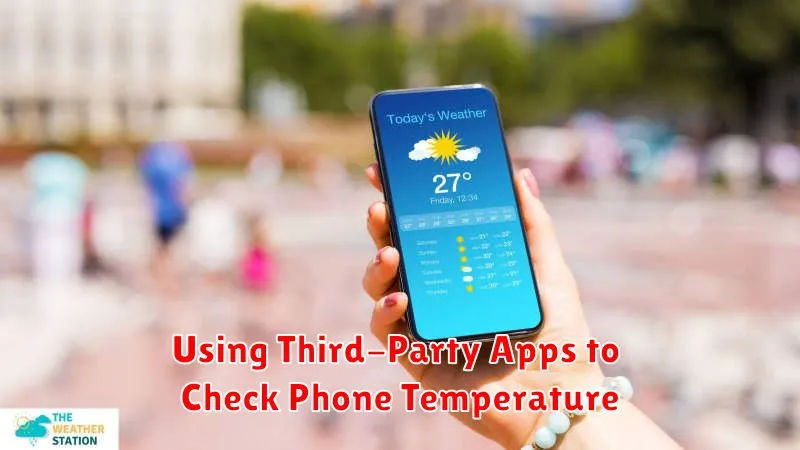
While built-in features might not always be available or readily accessible, numerous third-party apps offer phone temperature monitoring. These apps can provide more detailed information and sometimes additional features related to battery health and device performance.
When choosing a third-party app, it’s crucial to select reputable options from official app stores. Read reviews carefully and be mindful of permissions requested by the app. Some apps might request excessive access to your device’s data, which is unnecessary for simply monitoring temperature. Look for apps that specifically focus on device health and temperature monitoring.
These apps typically display the current phone temperature in either Celsius or Fahrenheit. Some may also offer historical data, allowing you to track temperature trends over time. Advanced features might include alerts when the phone reaches a specified temperature threshold, helping you proactively manage potential overheating issues.
Effective Ways to Cool Down an Overheated Phone
Experiencing an overheated phone can be concerning. Here are some effective ways to cool it down quickly and safely:
Immediate Actions
Remove the Case: Phone cases, especially those made of insulating materials, can trap heat. Removing it allows for better heat dissipation.
Turn Off Power-Hungry Features: Disable features like Bluetooth, Wi-Fi, GPS, and mobile data, as these consume significant power and generate heat. Also, lower screen brightness.
Close Unused Apps: Running multiple apps simultaneously contributes to overheating. Close any apps you’re not actively using.
Environmental Adjustments
Find a Cool Spot: Move your phone to a cooler location, avoiding direct sunlight or enclosed, hot spaces like a car dashboard. Placing it on a cool, hard surface can help.
Fan It: Gently fanning your phone can help dissipate heat more quickly. Do not use a refrigerator or freezer, as rapid temperature changes can damage the device.
Preventing Future Overheating Issues: Best Practices
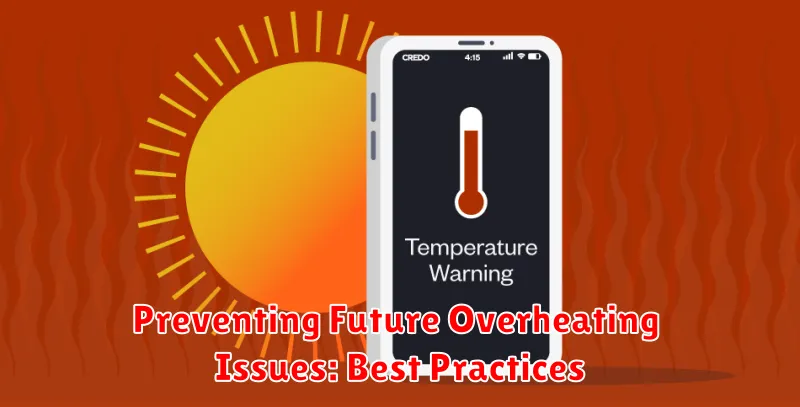
Proactive measures can significantly reduce the risk of your phone overheating. By incorporating these best practices into your daily usage, you can maintain optimal operating temperatures and prolong your phone’s lifespan.
Avoid Direct Sunlight: Never leave your phone in direct sunlight, especially for extended periods. The sun’s rays can quickly elevate your phone’s internal temperature.
Limit Demanding Tasks: While gaming or using resource-intensive applications, be mindful of the duration. Extended use can strain the processor and generate excessive heat.
Close Unused Apps: Background apps consume processing power, contributing to heat buildup. Regularly close apps you’re not actively using.
Proper Ventilation: Ensure your phone has adequate ventilation. Avoid covering your phone with blankets or other materials that trap heat.
Use Original Chargers: Counterfeit or low-quality chargers can deliver inconsistent power, potentially leading to overheating. Always opt for the manufacturer’s recommended charger or a certified alternative.
Long-Term Solutions for Managing Phone Temperature
Beyond immediate actions, incorporating some long-term habits can significantly impact your phone’s thermal health. Regularly updating your phone’s operating system and apps is crucial. These updates often include performance optimizations and bug fixes that can improve thermal management. Consider investing in a phone case designed for heat dissipation. These specialized cases utilize materials and designs that promote airflow and prevent heat buildup.
Storage management also plays a vital role. A phone burdened with excessive data can overwork the processor, generating extra heat. Regularly deleting unused apps, clearing cache, and managing your files can alleviate this issue. Finally, being mindful of your charging habits is essential. Avoid using your phone intensively while charging, as this generates significant heat. Opting for slower chargers, especially overnight, can also minimize thermal stress on the battery.
